VERI Administration Guide
Platform operations, security, and infrastructure reference
Version 2026.3.28 — For platform operators and system administrators1. Infrastructure Overview
Hardware
| Machine | Type | Memory | Role | Network |
|---|---|---|---|---|
| Mac Studio A | M3 Ultra | 96 GB | Primary inference, gateway, dashboard | 127.0.0.1 / Tailscale |
| Mac Studio B | M3 Ultra | 96 GB | Secondary inference (Llama, GLM-Flash) | 10.0.0.2 (Thunderbolt 5) |
| DGX Spark 1 | GB10 Grace | 128 GB | GLM-4.7-358B (vLLM) | 192.168.5.246 |
| DGX Spark 2 | GB10 Grace | 128 GB | GLM-4.7-358B (vLLM, redundant) | 192.168.5.255 |
| DGX Spark 3 | GB10 Grace | 128 GB | MiniMax-M2.5 (vLLM) | 192.168.6.1 |
Total pooled memory: 576 GB across 5 nodes.
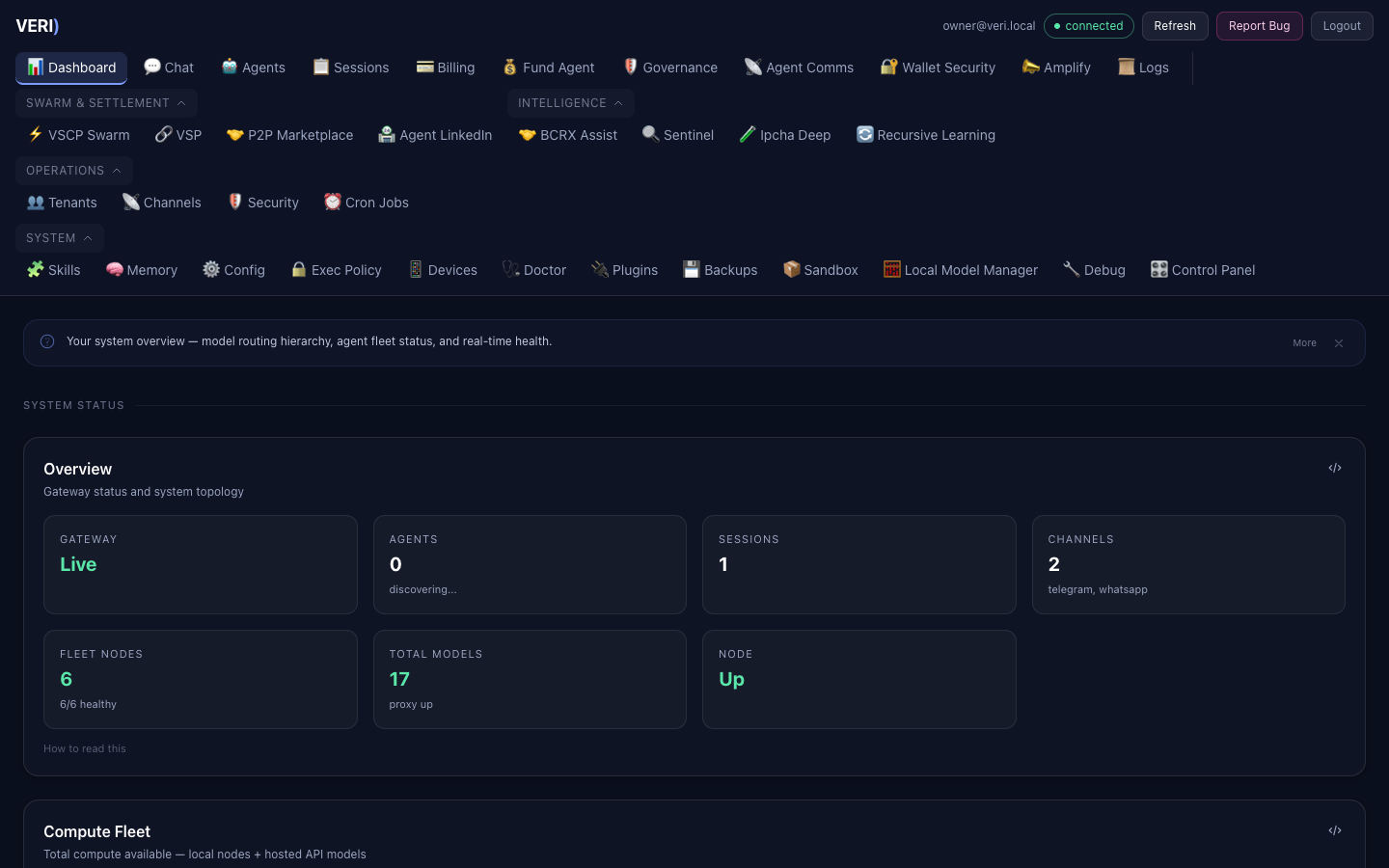
Network Topology
- Thunderbolt 5 bridge: Mac A (10.0.0.1) to Mac B (10.0.0.2) — 120 Gbps
- Ethernet LAN: DGX Sparks on 192.168.5.x and 192.168.6.x
- Tailscale mesh: Mac A + phone + Windows — hostname
veagents-mac-studio.tail54223a.ts.net - Tailscale funnel: Dashboard (18790), Gateway (18789), VGI API (8900)
Key Ports
| Port | Service | Description |
|---|---|---|
| 8800 | MLX-LM server | Local model inference |
| 8801 | MLX proxy | Model routing, context escalation, circuit breaker |
| 18789 | OpenClaw gateway | Core API and WebSocket |
| 18790 | VERI Dashboard | Web UI (Tailscale funnel) |
| 18796 | Agent Engine | Tool-use agent loop (auto-started) |
| 3210 | Activity Dashboard | Event store and billing |
| 8900 | VGI API | Sovereign risk intelligence |
2. Service Management
All services run as launchd agents in ~/Library/LaunchAgents/. They auto-start at boot and auto-restart on crash.
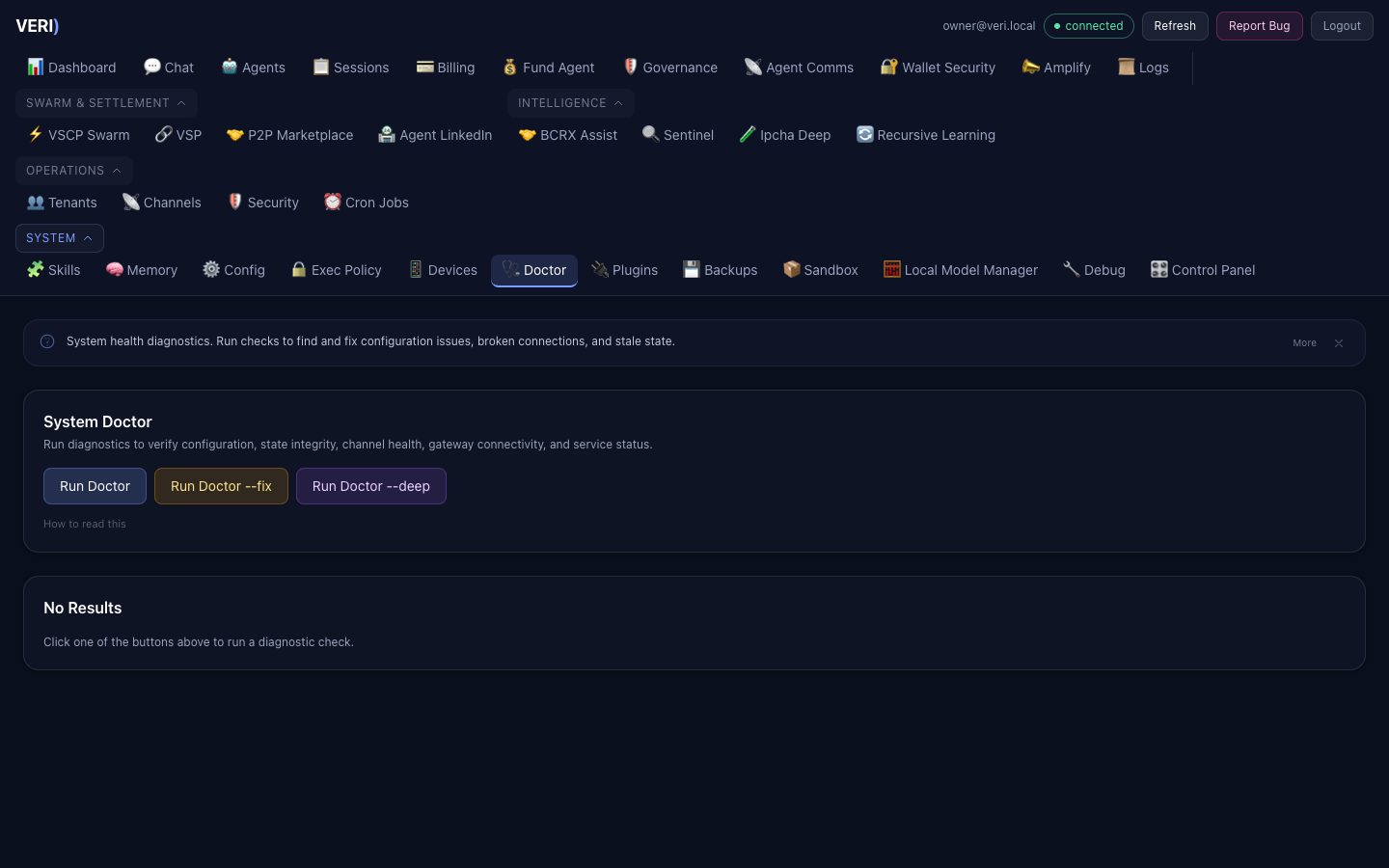
Common Commands
# List all VERI services
launchctl list | grep "^[0-9]" | grep ai.

# Restart a service
launchctl kickstart -k gui/$(id -u)/ai.openclaw.gateway

# Stop a service
launchctl bootout gui/$(id -u)/ai.openclaw.gateway

# Start a service
launchctl bootstrap gui/$(id -u) ~/Library/LaunchAgents/ai.openclaw.gateway.plist

# View service details
launchctl print gui/$(id -u)/ai.openclaw.gateway
Core Services
| Label | Purpose | Logs |
|---|---|---|
ai.openclaw.gateway | API gateway | ~/.openclaw/logs/gateway.log |
ai.openclaw.node | Agent node | ~/.openclaw/logs/node.log |
ai.openclaw.dashboard | Web UI server | ~/openclaw-ui/dashboard.err |
ai.agent-engine | Tool-use agent | ~/.openclaw/logs/agent-engine.log |
ai.mlx-lm.server | MLX inference | ~/.mlx-bench/server.log |
ai.mlx-lm.proxy | Model routing | ~/.mlx-bench/proxy.log |
ai.bastion.daemon | Security supervisor | ~/.openclaw/logs/bastion.log |
ai.sentinel.daemon | Opportunity scanning | ~/.openclaw/logs/sentinel.log |
ai.vgi.server | Sovereign risk API | ~/.openclaw/logs/vgi.log |
After Code Changes
The dashboard server (Node.js) must be restarted to pick up changes to server.js:
cd ~/openclaw-ui && npx vite build
launchctl kickstart -k gui/$(id -u)/ai.openclaw.dashboard
The agent engine (Python) auto-restarts via launchd — just save the file.
3. Agent Engine
The Agent Engine provides a tool-use agent loop. Any model the router selects can power it.
How It Works
Users describe a task in plain English. The engine loops: sends the task to the model, the model picks tools (bash, read/write/edit files, glob, grep), the engine executes them with security checks, feeds results back, and repeats until done.
Endpoints
- Health:
GET http://127.0.0.1:18796/v1/agent/health - Run:
POST http://127.0.0.1:18796/v1/agent/run(SSE stream) - Stop:
POST http://127.0.0.1:18796/v1/agent/stop
Dashboard Access
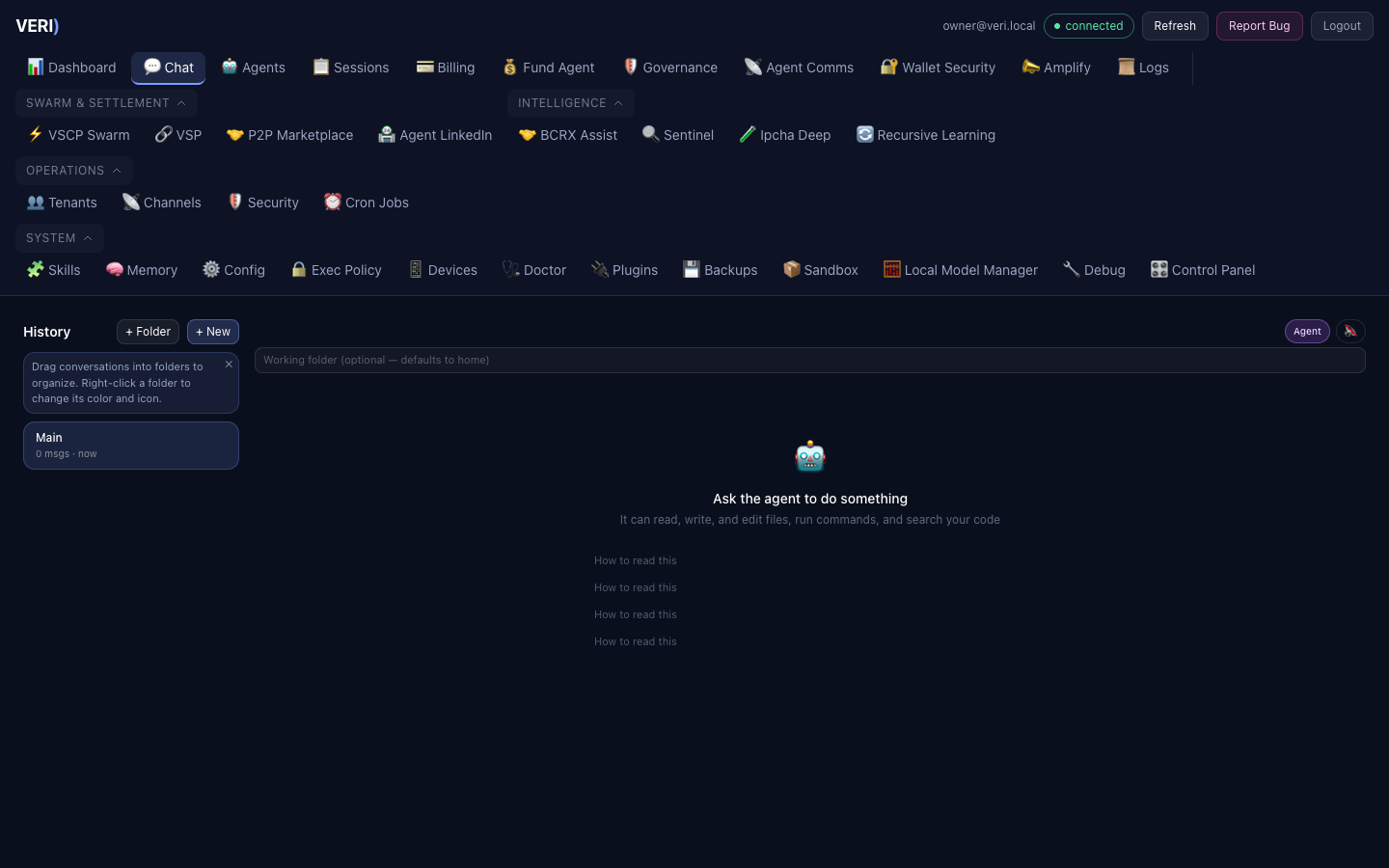
Agent Mode is the default in the Chat view. Users toggle between Agent Mode (tools) and Chat Mode (conversation only). A folder input lets users point the agent at a specific project.
Configuration
Environment variables (all optional — auto-discovered from nodes.json):
| Variable | Default | Description |
|---|---|---|
AGENT_PORT | 18796 | Server port |
AGENT_WORKING_DIR | home directory | Default sandbox root |
AGENT_MAX_TURNS | 30 | Max tool iterations per task |
AGENT_TIMEOUT_SEC | 180 | Model call timeout |
Audit Trail
All tool executions log to ~/.openclaw/logs/agent-engine/tool_audit.jsonl:
{"ts": "2026-03-27T20:03:11-0400", "session_id": "abc123", "tool_name": "bash", "args": "{'command': 'ls'}", "duration_ms": 12.9, "blocked": false}4. Model Fleet
Node Registry
The model fleet is defined in ~/.mlx-bench/nodes.json (operator-managed, mode 600).
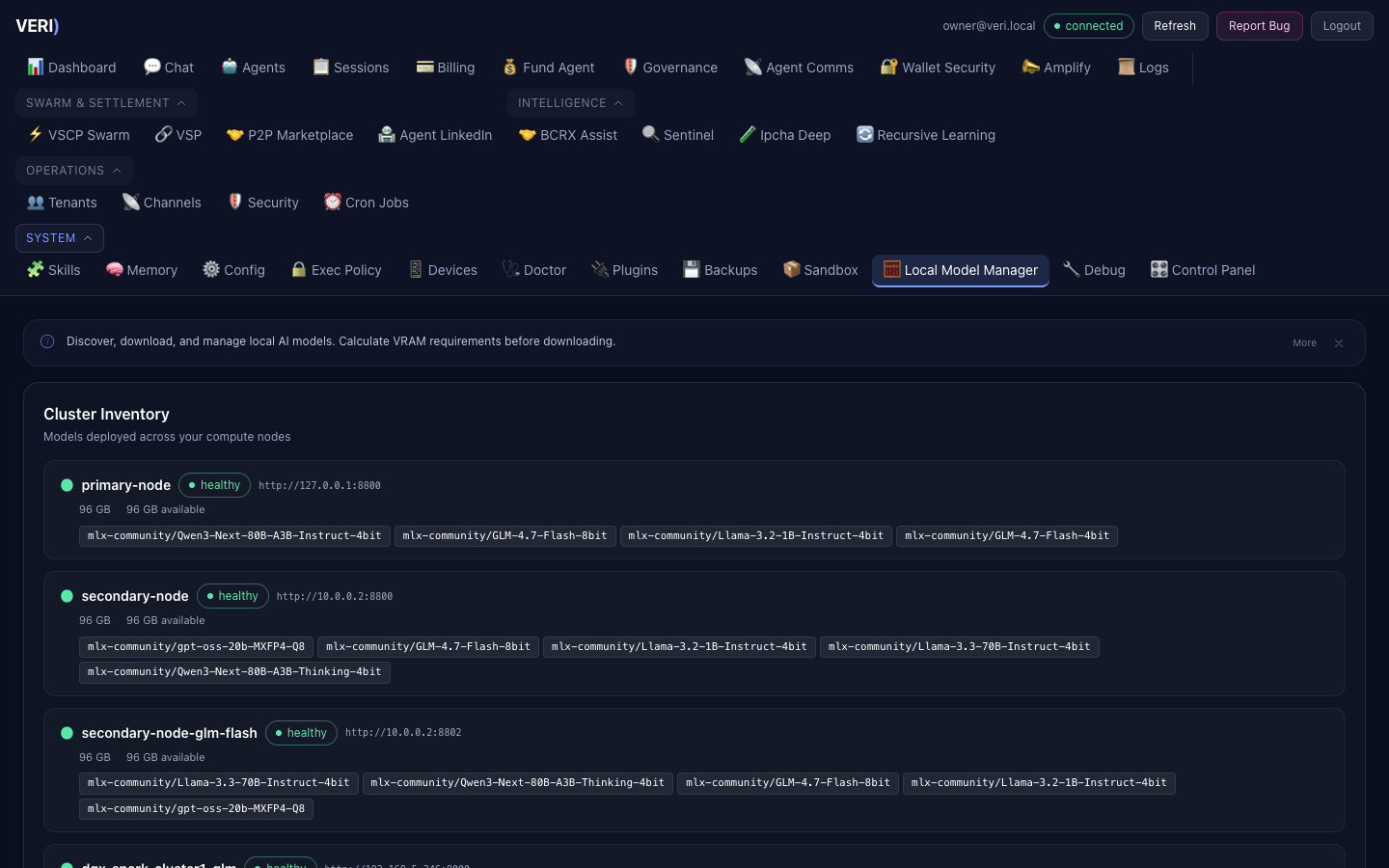
| Node | Type | Models | Context Limit |
|---|---|---|---|
| local (Mac A) | MLX | qwen3-next:80b | 64K |
| node-b (Mac B) | MLX | llama-3.3:70b | 100K |
| node-b-glm-flash | MLX | glm-4.7-flash | 160K |
| cluster1-glm (Spark 1) | vLLM | glm-4.7-358b | 26K |
| cluster2-glm (Spark 2) | vLLM | glm-4.7-358b | 26K |
| cluster3-minimax (Spark 3) | vLLM | minimax-m2.5 | 64K |
Escalation Chain
When a model cannot handle the request (context too large, node down), the proxy escalates:
glm-4.7-flash → qwen3-next:80b → llama-3.3:70b → minimax-m2.5 → glm-4.7-358bQuarantine
Nodes with 10+ consecutive health failures are auto-quarantined. They are reprobed every 300 seconds and auto-reinstated on recovery.
Memory Pressure
When available memory on Mac A drops below 16 GB, requests route to remote nodes automatically.
5. Tenant Administration
Dashboard Admin Panel
Access via the Dashboard at /admin. Requires admin role.
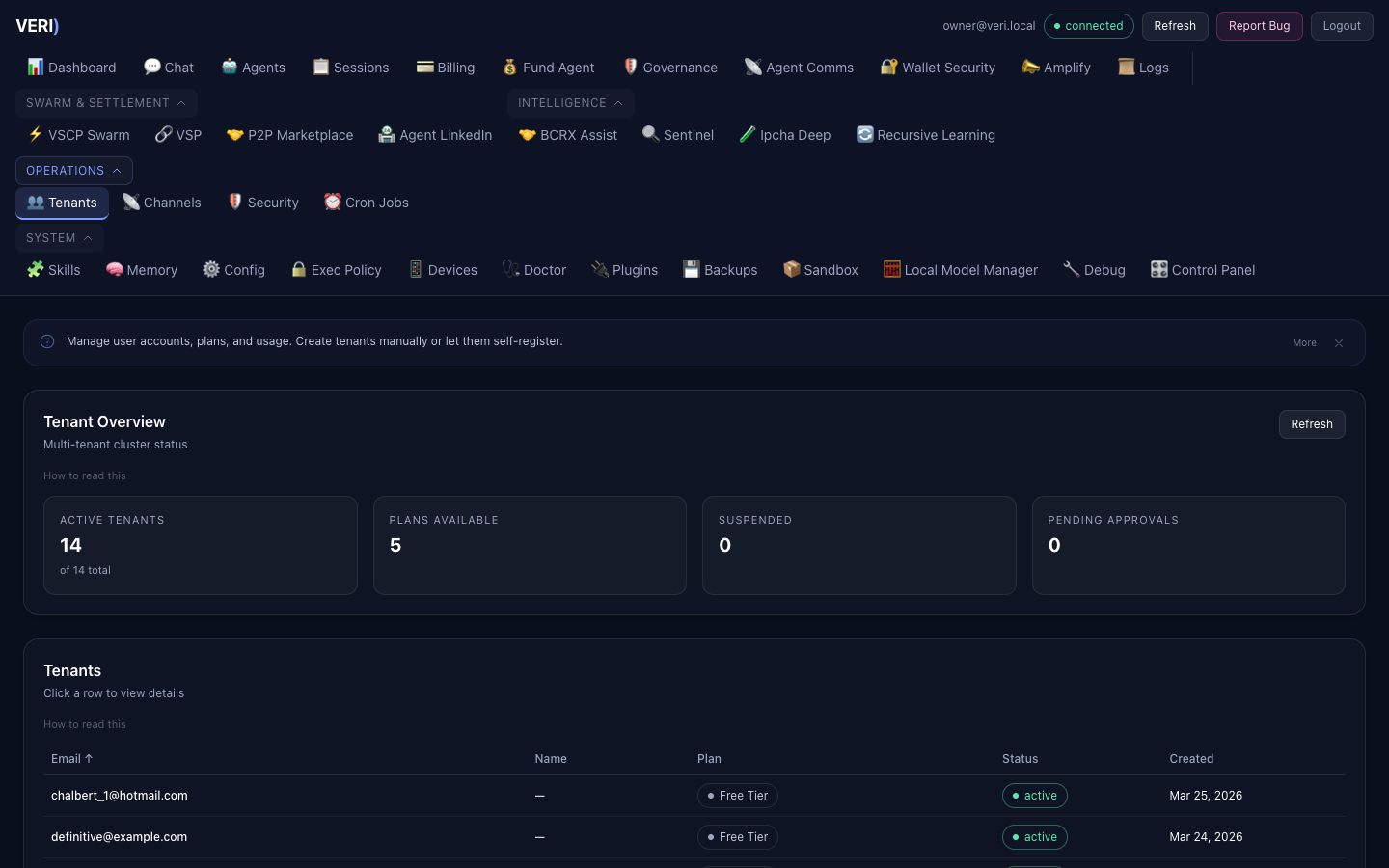
User management:
- View all users, plans, usage
- Promote/demote admin status
- Manually adjust quotas
- Clone agent workspaces for new tenants
Plans
| Plan | Compute | Storage | Price |
|---|---|---|---|
| Free | 1M tokens/mo | 0.5 GB | $0 |
| Pro | 50M tokens/mo | 5 GB | $49/mo |
| Enterprise | 500M tokens/mo | 50 GB | $199/mo |
API Keys
Tenants create API keys via the Dashboard or API. Keys are per-tenant and scoped to their sandbox.
# Create key for a tenant (admin)
curl -X POST http://localhost:18790/api/tenant/keys \
  -H "Authorization: Bearer $TOKEN" \
  -d '{"label": "production"}'
Tenant Isolation
Each tenant gets:
- Isolated Docker sandbox (when available)
- Separate memory namespace
- Private file storage
- Scoped API access
- Per-tenant billing meter
6. Security Operations
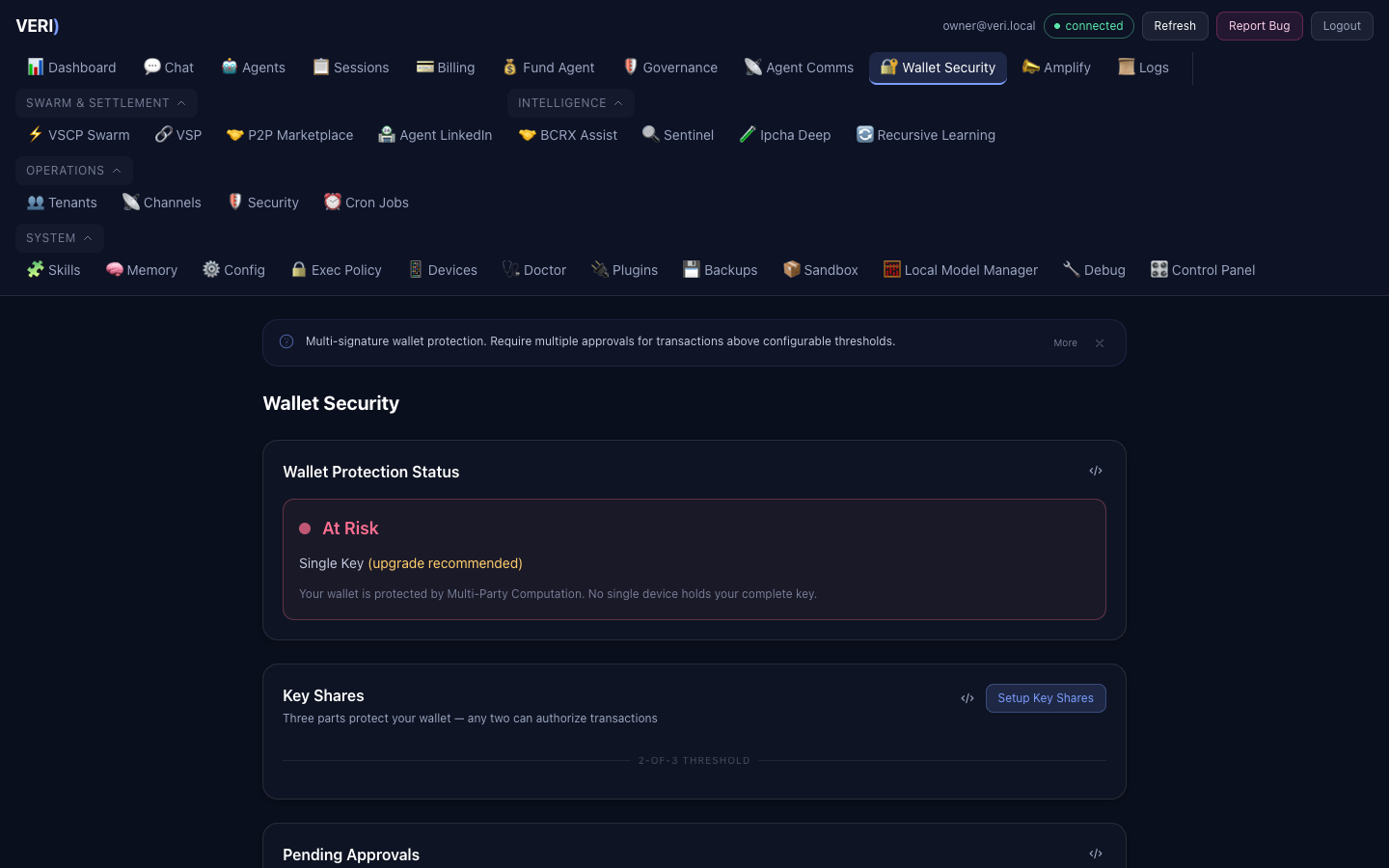
Four Defense Layers
1. Exec-Guard Hook
Blocks 24 dangerous command patterns before execution
2. Bastion Daemon
24/7 security supervisor (30s/5m/1h/24h scan cycles)
3. Sandbox Isolation
Docker containers with restricted egress
4. Approval Gateway
Human-in-the-loop for sensitive operations
Incident Response
Security incidents are:
- Logged to
~/.openclaw/incidents/<id>.json - Broadcast to all agents via VPM mailbox
- Alerted to the operator via WhatsApp
Critical incidents auto-freeze agent wallets.
Audit Logs
| Log | Location | Content |
|---|---|---|
| Exec-guard | ~/.openclaw/logs/exec-guard.log | Allowed/blocked commands |
| Agent engine | ~/.openclaw/logs/agent-engine/tool_audit.jsonl | Tool executions |
| Incidents | ~/.openclaw/incidents/ | Security incident records |
| Bastion | ~/.openclaw/logs/bastion.log | Security scan results |
7. Monitoring & Logs
Health Check
# Quick health
curl -s http://127.0.0.1:18790/api/health/deep | python3.14 -m json.tool

# Agent engine health
curl -s http://127.0.0.1:18796/v1/agent/health

# MLX proxy status
curl -s http://127.0.0.1:8801/v1/models
Log Locations
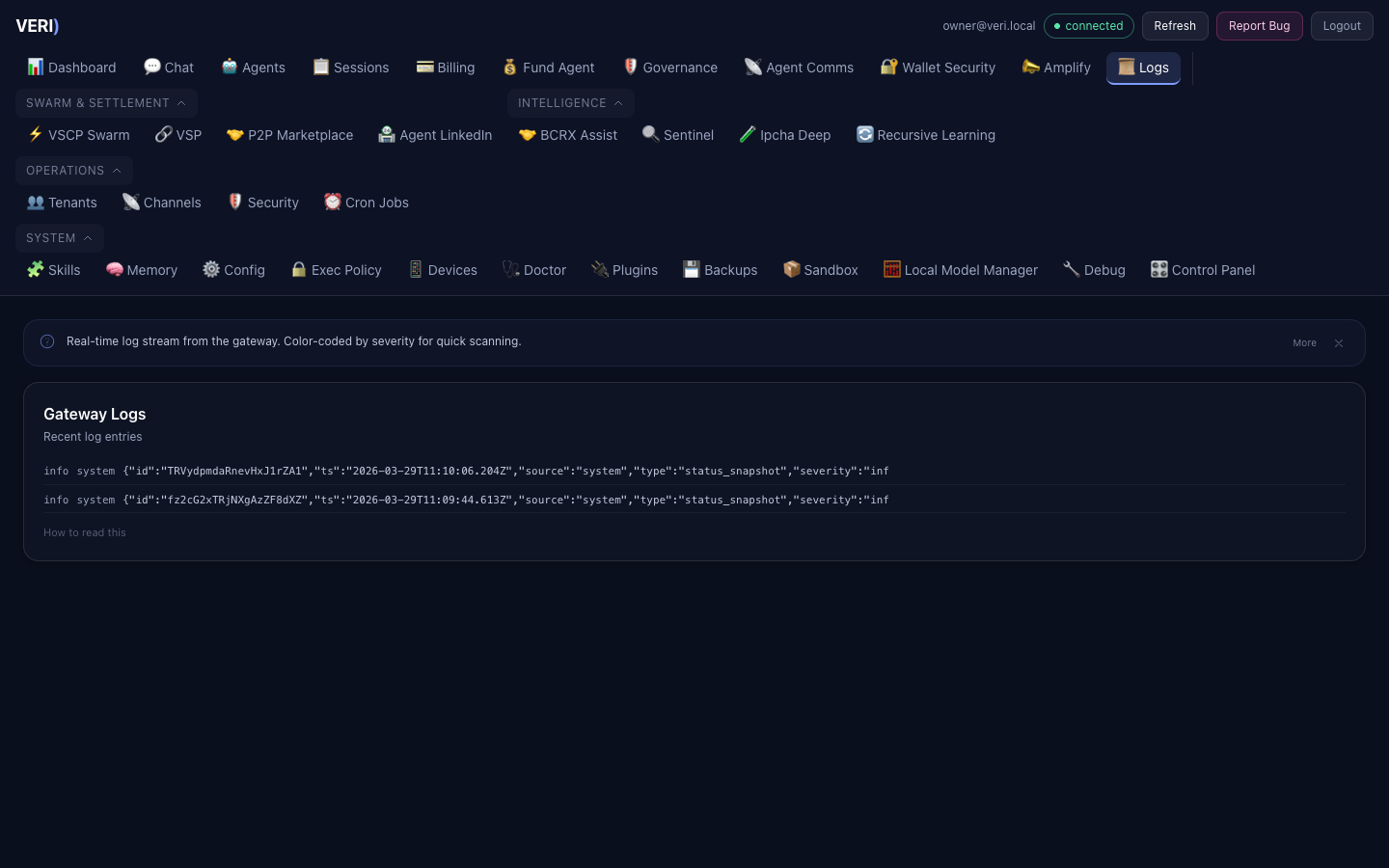
All logs are in ~/.openclaw/logs/ unless noted otherwise:
# Real-time monitoring
tail -f ~/.openclaw/logs/gateway.log
tail -f ~/.openclaw/logs/agent-engine.log
tail -f ~/.mlx-bench/proxy.log

# Agent engine audit trail
tail -f ~/.openclaw/logs/agent-engine/tool_audit.jsonl
Billing Data
- Billing database:
~/.openclaw/data/billing.db - Interaction store:
~/openclaw-workspace/projects/llm-usage-tracking/data/interaction_store.db - MLX proxy metrics:
~/.mlx-bench/metrics.jsonl
8. Backup & Recovery
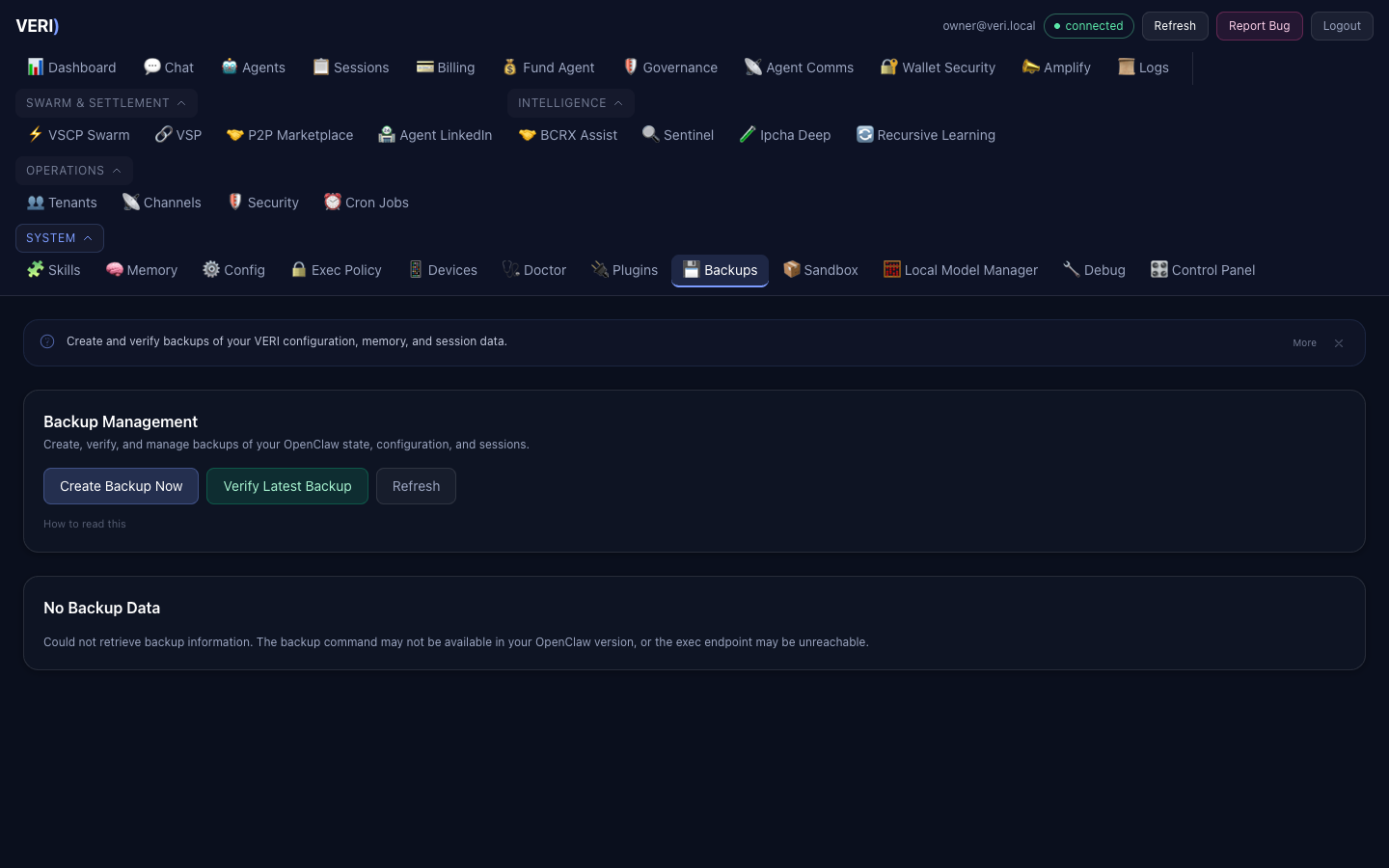
Encrypted backups run automatically. For manual operations:
# Run backup
~/openclaw-workspace/automation/backup-recovery/backup.sh

# Restore
~/openclaw-workspace/automation/backup-recovery/restore.sh <backup-file>
Critical Files to Protect
~/.mlx-bench/nodes.json— Model fleet (operator-managed)~/.openclaw/openclaw.json— Platform config~/.openclaw/wallets/master.enc— HD wallet seed (encrypted)~/.openclaw/data/billing.db— Billing data
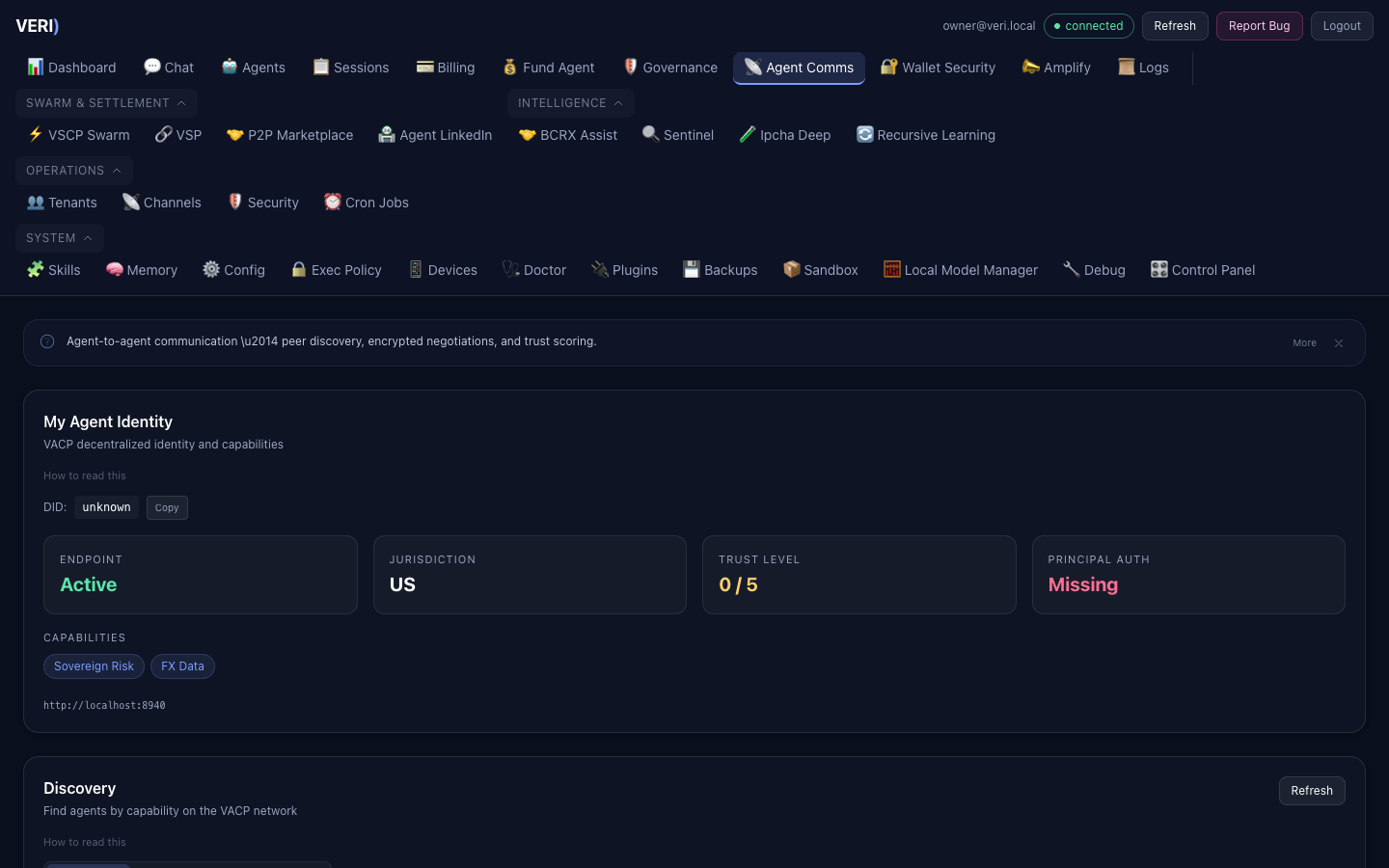
10. Agent-to-Agent Communication
VACP Service
The VACP (Verifiable Agent Communication Protocol) service runs on port 8940.
| Endpoint | Description |
|---|---|
GET /api/vacp/identity | Agent DID and capabilities |
GET /api/vacp/discover | Find agents by capability |
GET /api/vacp/negotiations | Active negotiations |
POST /api/vacp/propose | Start negotiation |
POST /api/vacp/respond | Accept/counter/reject |
GET /api/vacp/trust | Trust network graph |
POST /api/vacp/trust/vouch | Endorse an agent |
Contra Protocol (P2P)
The Contra bridge runs on port 8920 for P2P intent discovery via Waku.
Agent Marketplace
The Agent LinkedIn marketplace (/api/marketplace/*) enables:
- Listing creation (compute, data, services, collaboration)
- Automated matching
- HTLC settlements with dispute resolution
11. Troubleshooting
Service Won't Start
# Check error log
cat ~/.openclaw/logs/<service>.err.log | tail -20

# Check if port is in use
lsof -i :<port>

# Force restart
launchctl kickstart -k gui/$(id -u)/ai.<service-name>
Agent Engine Returns Errors
- Check health:
curl http://127.0.0.1:18796/v1/agent/health - Check logs:
tail ~/.openclaw/logs/agent-engine.err.log - Verify MLX proxy:
curl http://127.0.0.1:8801/v1/models - Restart:
launchctl kickstart -k gui/$(id -u)/ai.agent-engine
Dashboard Shows Old Code
The Node.js server caches server.js in memory. After editing:
cd ~/openclaw-ui && npx vite build
launchctl kickstart -k gui/$(id -u)/ai.openclaw.dashboard
Model Returns Empty Responses
- Check MLX proxy logs:
tail ~/.mlx-bench/proxy.log - Verify node is healthy:
curl http://<node-ip>:<port>/v1/models - Check quarantine state:
cat ~/openclaw-workspace/projects/llm-router/registry/quarantine_state.json - Check memory pressure:
sysctl hw.memsizeandvm_stat
9. Social Media (Amplify)
The Amplify agent manages social media across 8 platforms. All content is draft-only — nothing posts without human approval.
Connected Platforms
Access via the Amplify tab in the Dashboard. Manage OAuth connections to:
Content Approval Flow
Backend
GET /api/productivity/connectors(port 3210)GET /api/amplify/drafts,POST /api/amplify/drafts/:id/approve